
SPChat Web Radio Chat and Community Chat on Your Hosting
The professional chat for your web radio and your community. On your hosting, under your domain, by your rules.
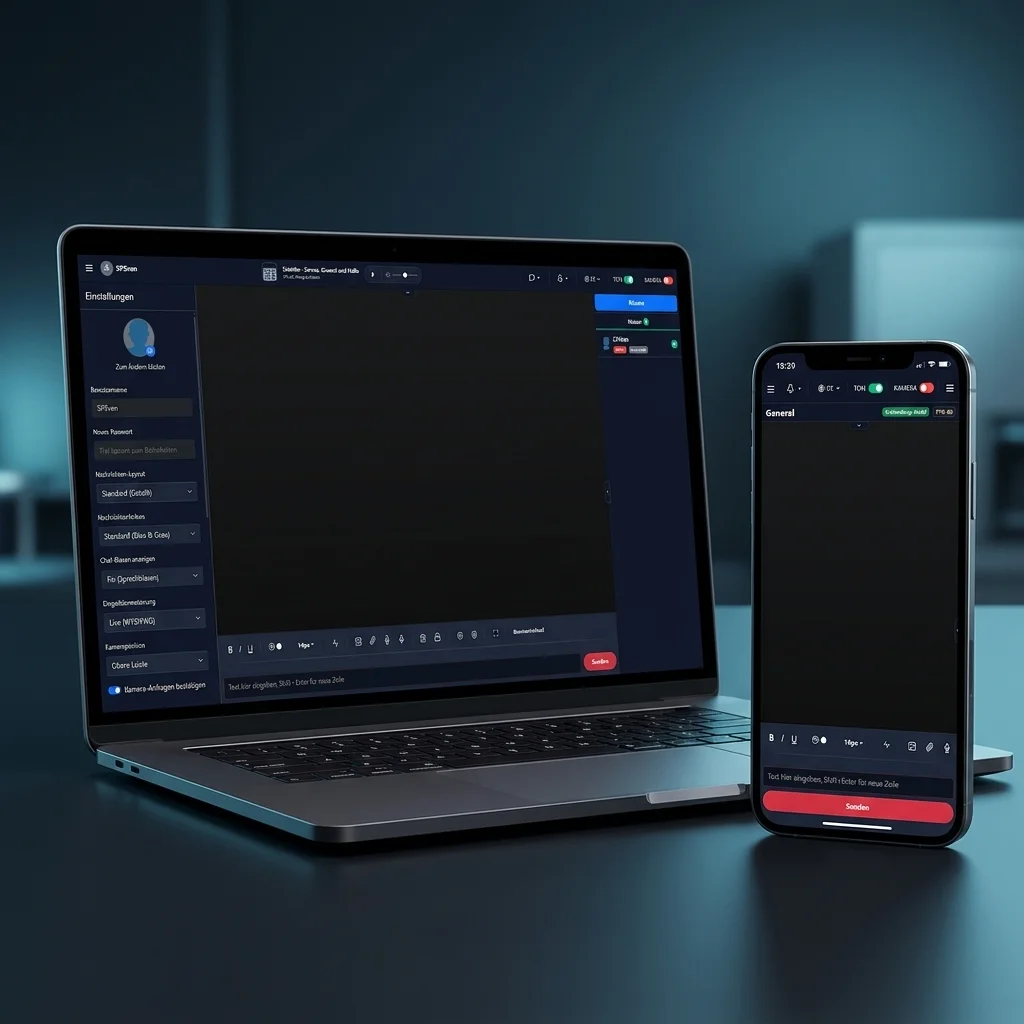 *AI-enhanced image
What SPChat does
All features included in every plan. Hosted: maximum 50 concurrent users. Peer mode: maximum 3 connections per person.
Real-time chat for web radio
Your listeners chat in real time with each other and your moderators. The chat runs under your own URL and needs neither Node.js nor Redis.
Multiple Chat Rooms
Permanent rooms for different topics (e.g. "Music", "Wishlist", "Off-Topic") as well as temporary user rooms. Password protection per room is supported.
Media & Uploads
Share images, audio files, and documents directly in the chat. All uploads are verified server-side and stored outside the publicly accessible webroot (locally or via S3).
Privacy by Design
SPChat itself includes no external tracking or analytics services in the browser. GIPHY queries run through your server as a proxy to protect listener privacy. Emojis are locally hosted.
Groups & Permissions
Private messages, message editing, anonymous reporting, and read receipts can be configured individually for each user group.
Security & 2FA
Argon2id password hashing, CSRF protection, IP-based rate limiting, and optional two-factor authentication (2FA/TOTP) for admin accounts.
WebRTC: Video & Voice Chat
Native video and voice chat directly in the browser via WebRTC. Custom STUN/TURN servers are supported, and your radio stream can be played inside the chat.
Complete Admin Panel
Dashboard with real-time stats, user management, IP bans, word filters, scheduled messages, audit log exports (CSV/Excel), and custom CSS/JS.
Reactions, Typing & Read Receipts
Emoji reactions, typing indicators, read receipts with avatars, automatic link previews, and a complete edit history for modified messages.
And many more features
Learn more about all features including audio player integration, voice-to-text dictation, system exports, user badges, and much more on the overview page.
Explore all features →Why self-hosted chat?
External chat services cost you control. SPChat runs under your domain, with your data, by your rules.
SPChat on your hosting
- You choose the hosting and storage location
- No dependency on an externally operated chat service
- Custom CSS & JS directly in the admin panel
- Users see your domain, not a third-party domain
- Can be configured for privacy-conscious operation
- No integrated advertising or analytics trackers
- Word filter, ban system, full moderation
Centralized Third-Party Platforms
- The provider controls hosting and data storage
- User accounts and access rules are defined by the platform provider
- Branding and interface changes stay within platform limits
- Dependent on third-party decisions
- Privacy depends on the platform and integration
- Platform rules apply alongside your own rules
- Moderation follows the platform's feature set
Tech without the overhead
SPChat runs on what you already use: PHP 8.2+ and MySQL on your shared hosting. No VPS, no root access, no process manager.
After acquisition, you receive a download link and a domain-bound license. The domain can be changed anytime for free in the STREAMPANEL customer center.
- Runtime PHP 8.2+
- Database MySQL / MariaDB (PDO)
- Real-time Server-Sent Events (SSE)
- Web Server Apache, Nginx, LiteSpeed
- License Domain-bound
- Auth Argon2id + TOTP (2FA)
- Storage Local or S3
Ready to get started?
Choose a hosted chat or run the SPChat download edition on your own web hosting.